


Absolutely brilliant. Feels fantastic in the hand, craftsmanship is exceptional and the aluminium alloy has a lovely feel to it. The whole design is topnotch - I absolutely love it!
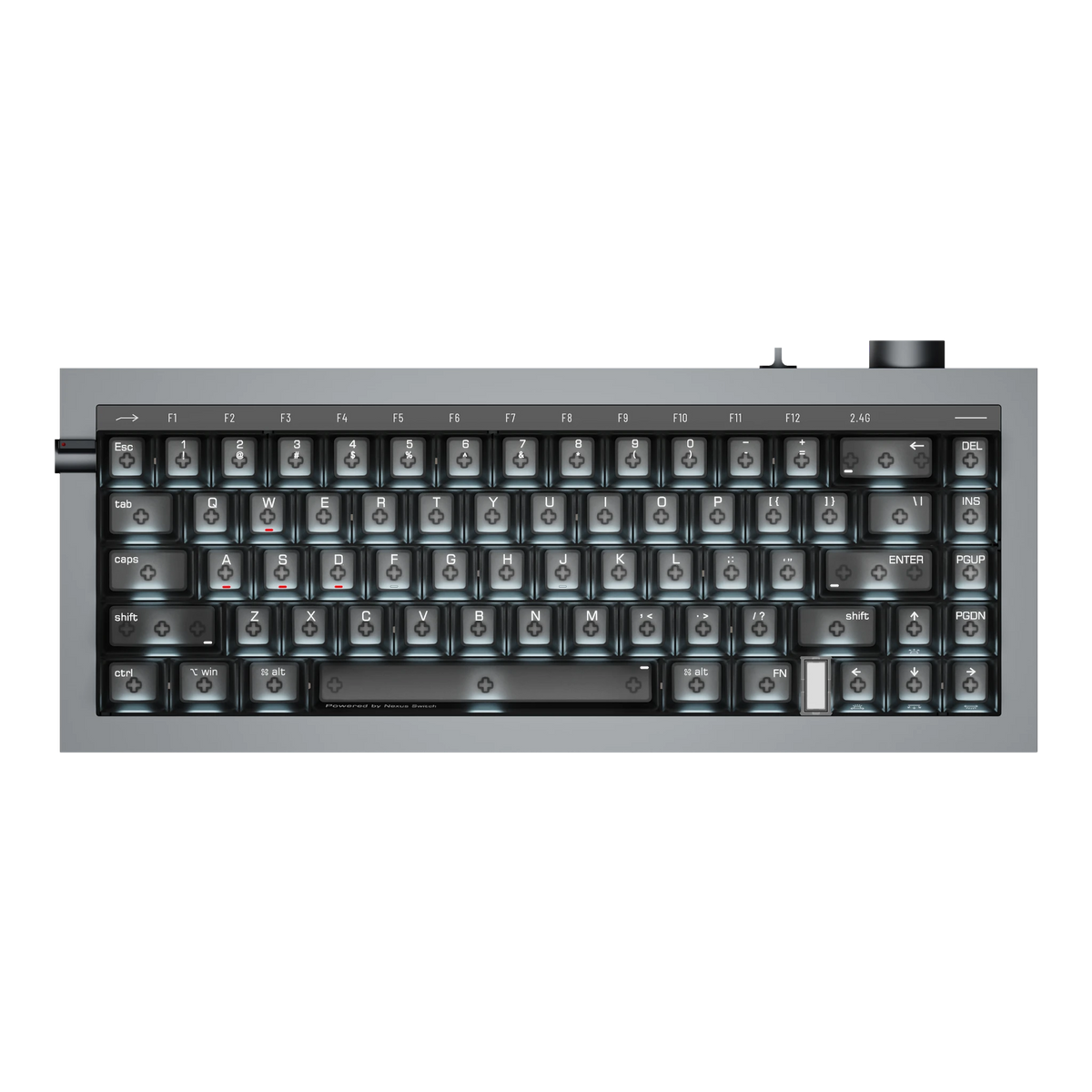
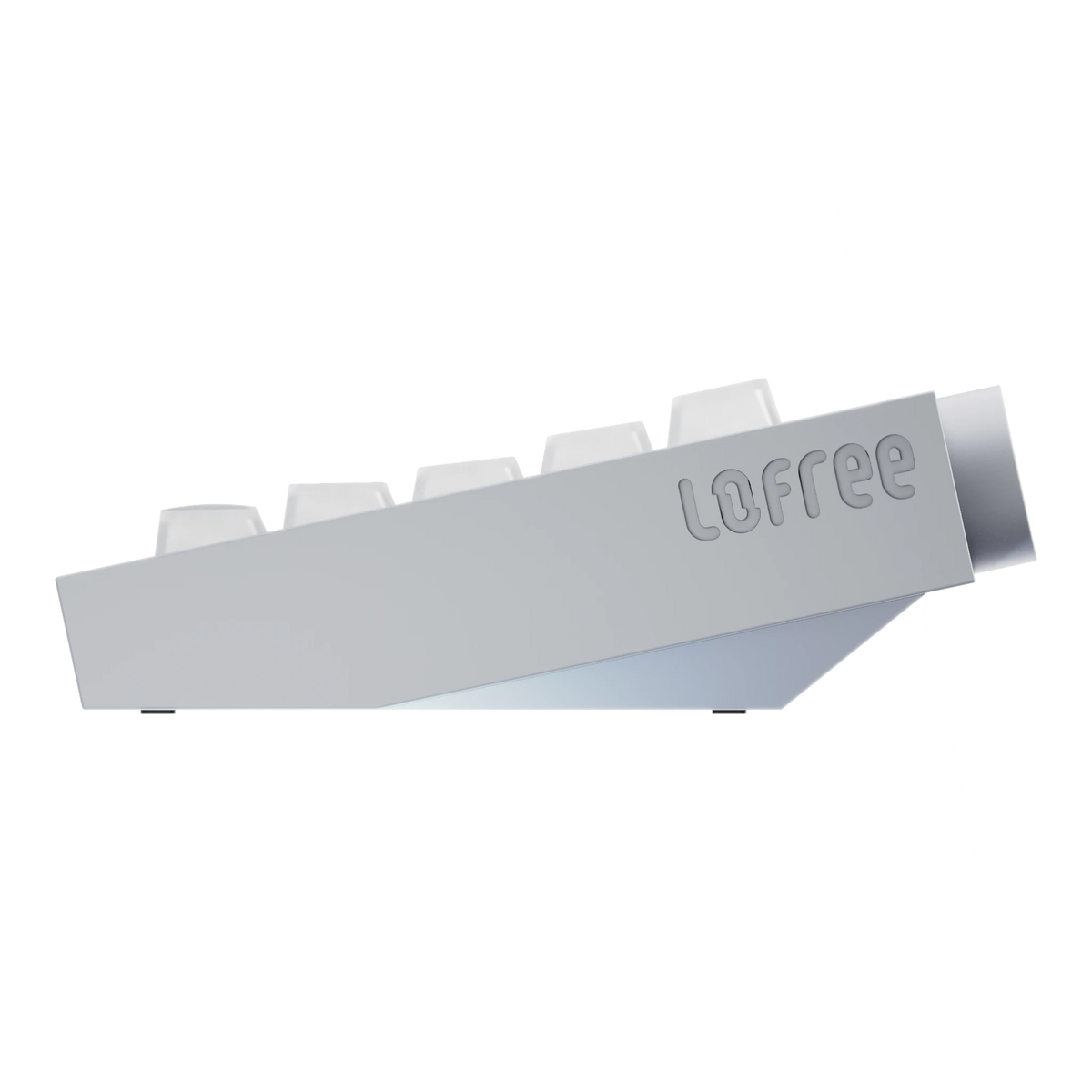
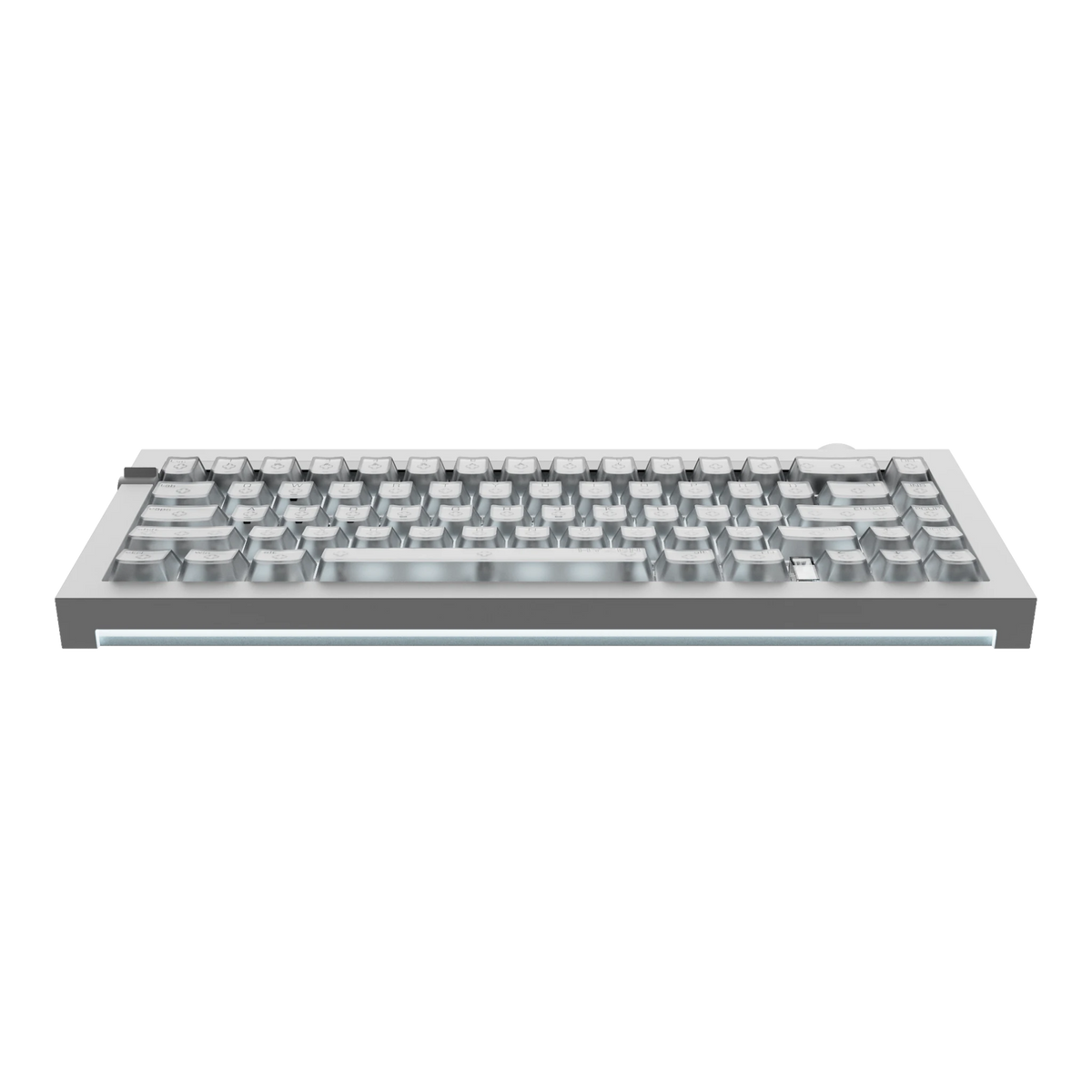
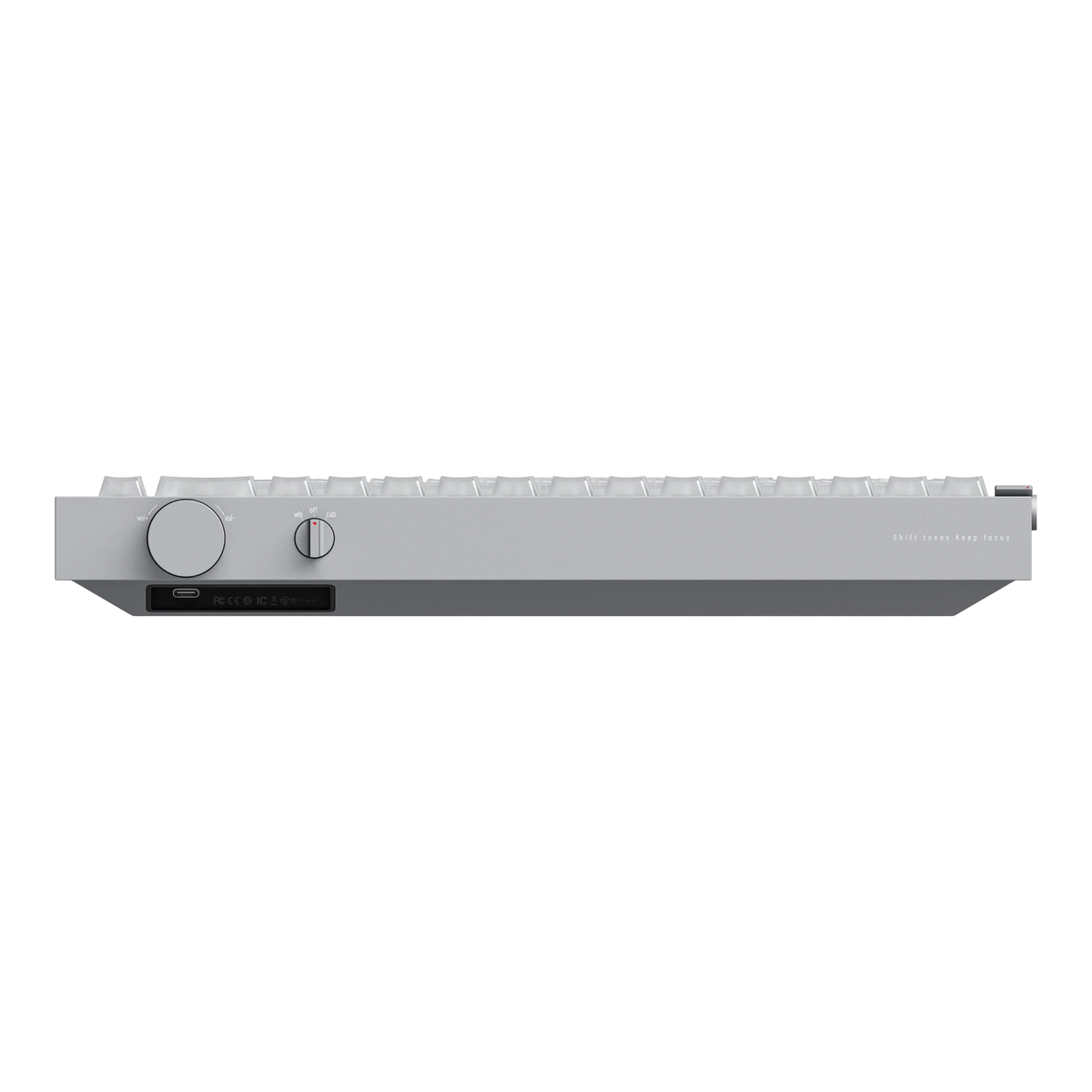
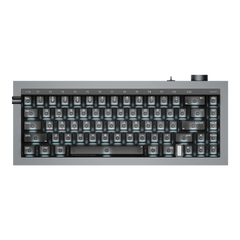
Hyzen - 65% Mechanical Magnetic Keyboard
OZO is a small UK business aspiring to place for all things home office related. The only way we can achieve is by offering top quality customer service.
Therefore, if you have any questions, you are always welcome to contact us. We'll get back to you as soon as possible.
Free UK Shipping
We offer free shipping on all purchases over £70. Order before 4PM UK Time for same day dispatch.
Easy Returns
The item is not up to your liking? Return it within 14 days and you'll get full refund without any questions asked.
Pay Your Way
Shop securely and choose to pay in 3 interest-free payments, in full, in 30 days, or over time.
Contact Us
Use the live chat or email us at info@ozokeyboards.com

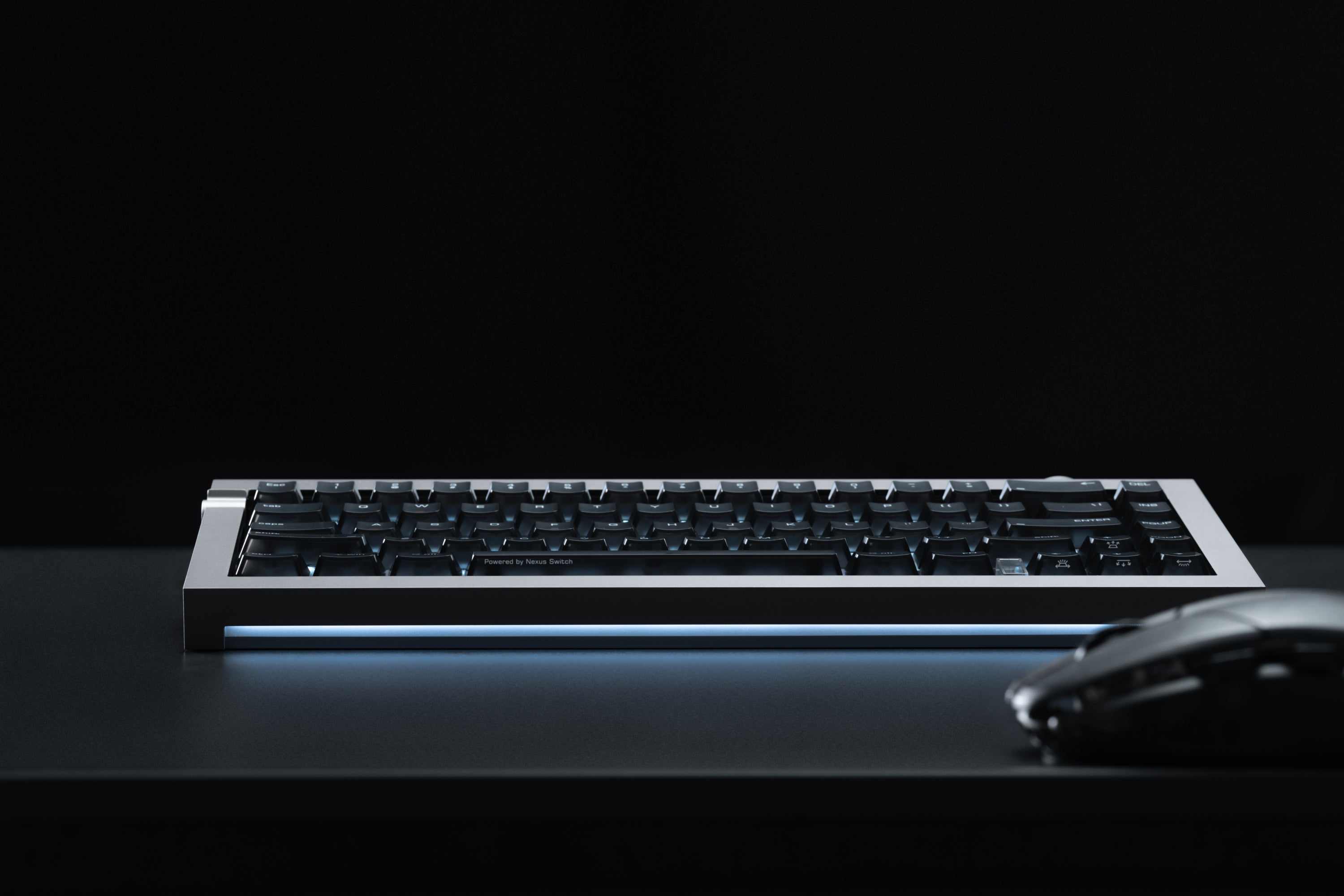
Type on it all day and it feels like the nicest mechanical you've owned. Queue up after dark and the same keys turn into hair triggers.
You've been swapping between two keyboards because no single switch could do both jobs. That just ended.

The Case
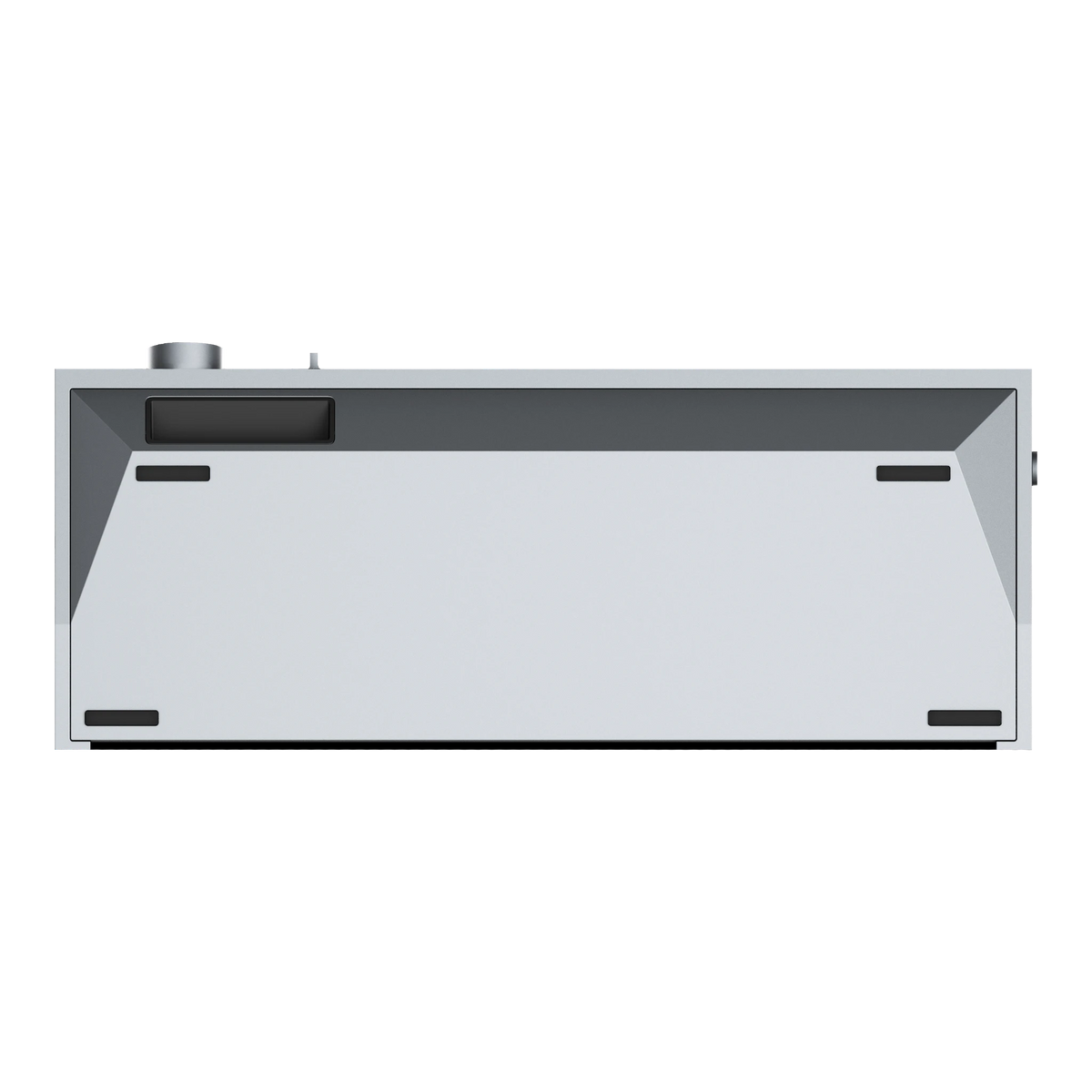
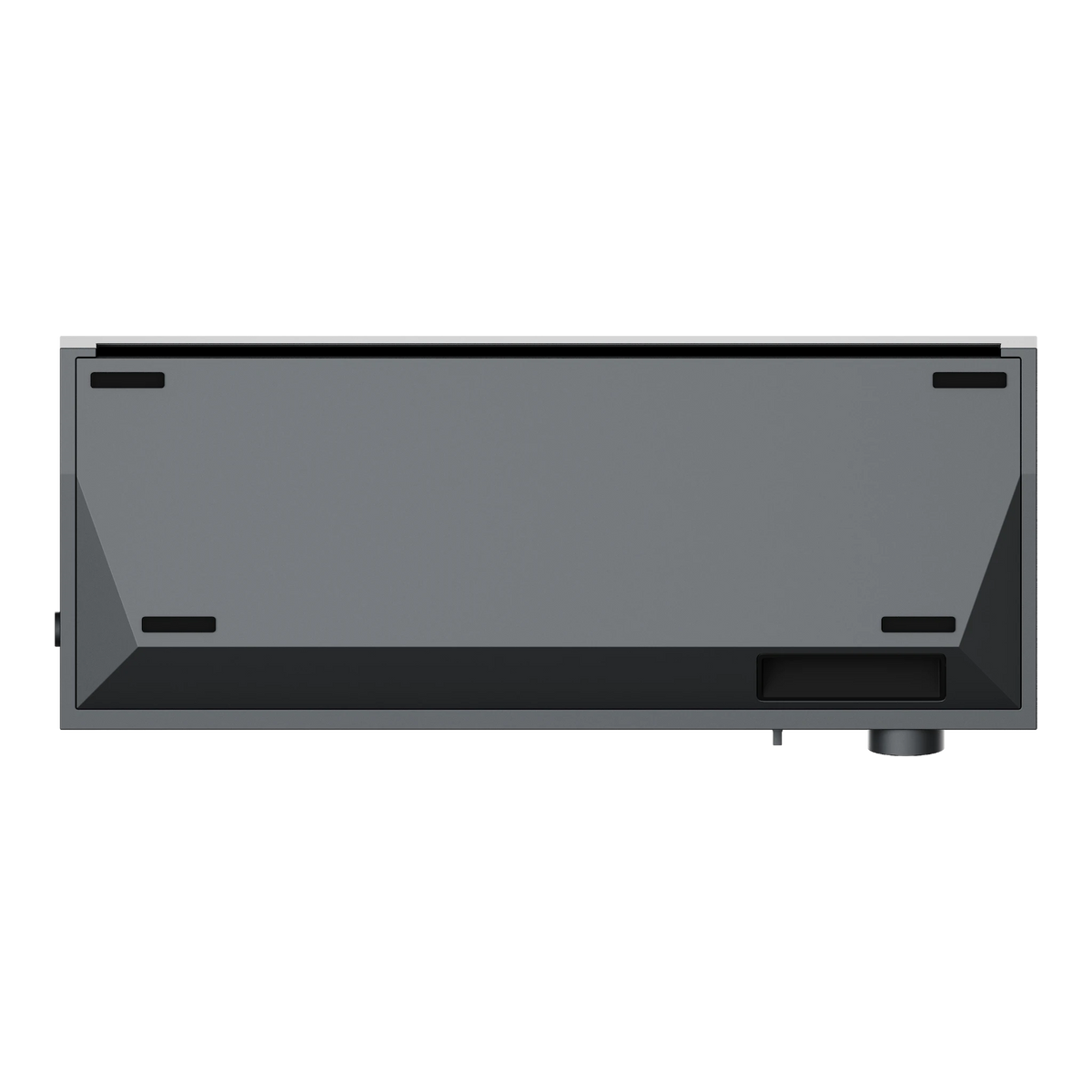
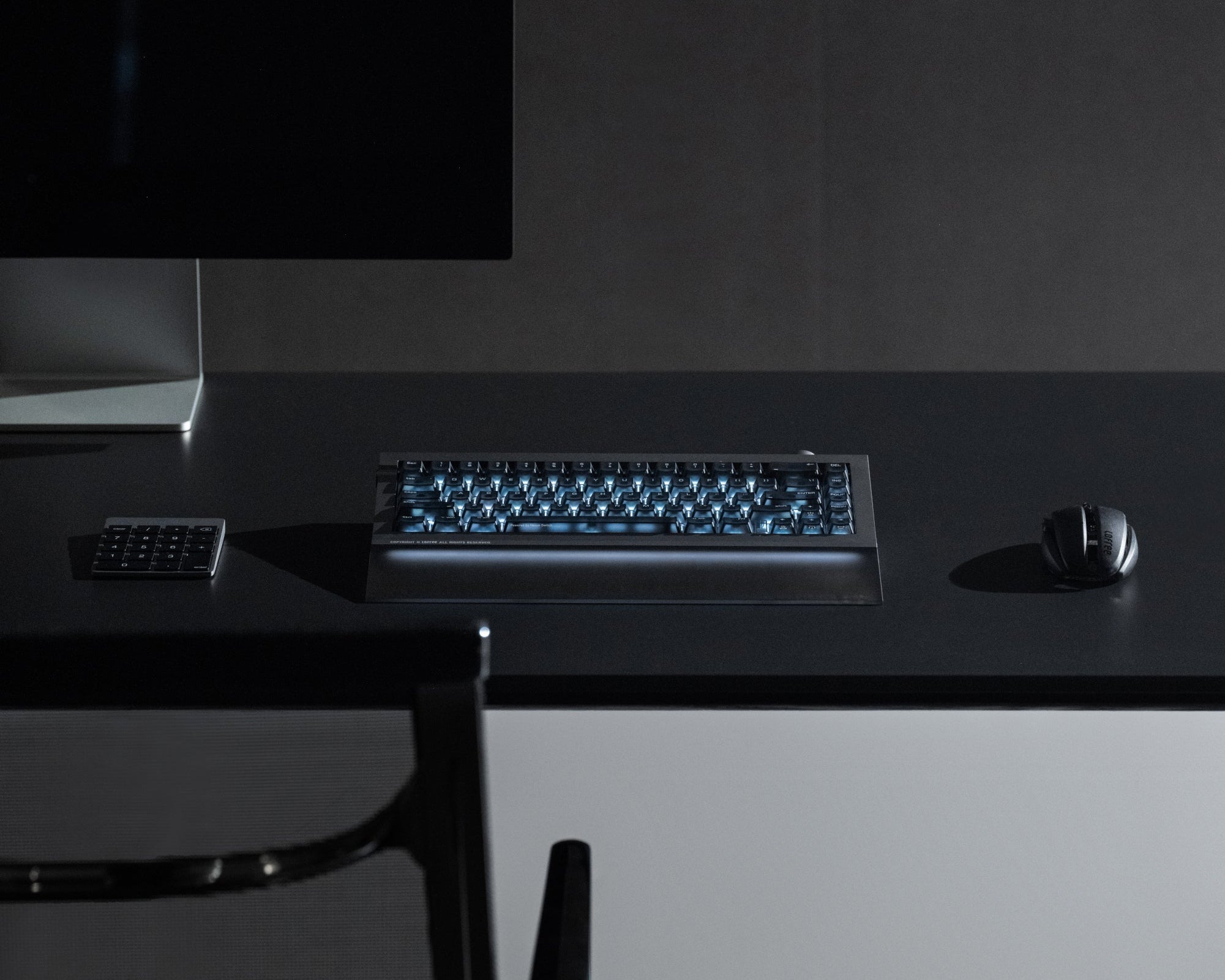
It weighs more than two MacBook Airs. You never going to pack it to go anyway.
Carved from a single block of aluminium, without panels to flex or seams to creak. Punch it mid-game in rage and it will probably stay put. Unlike your knuckles.

The look
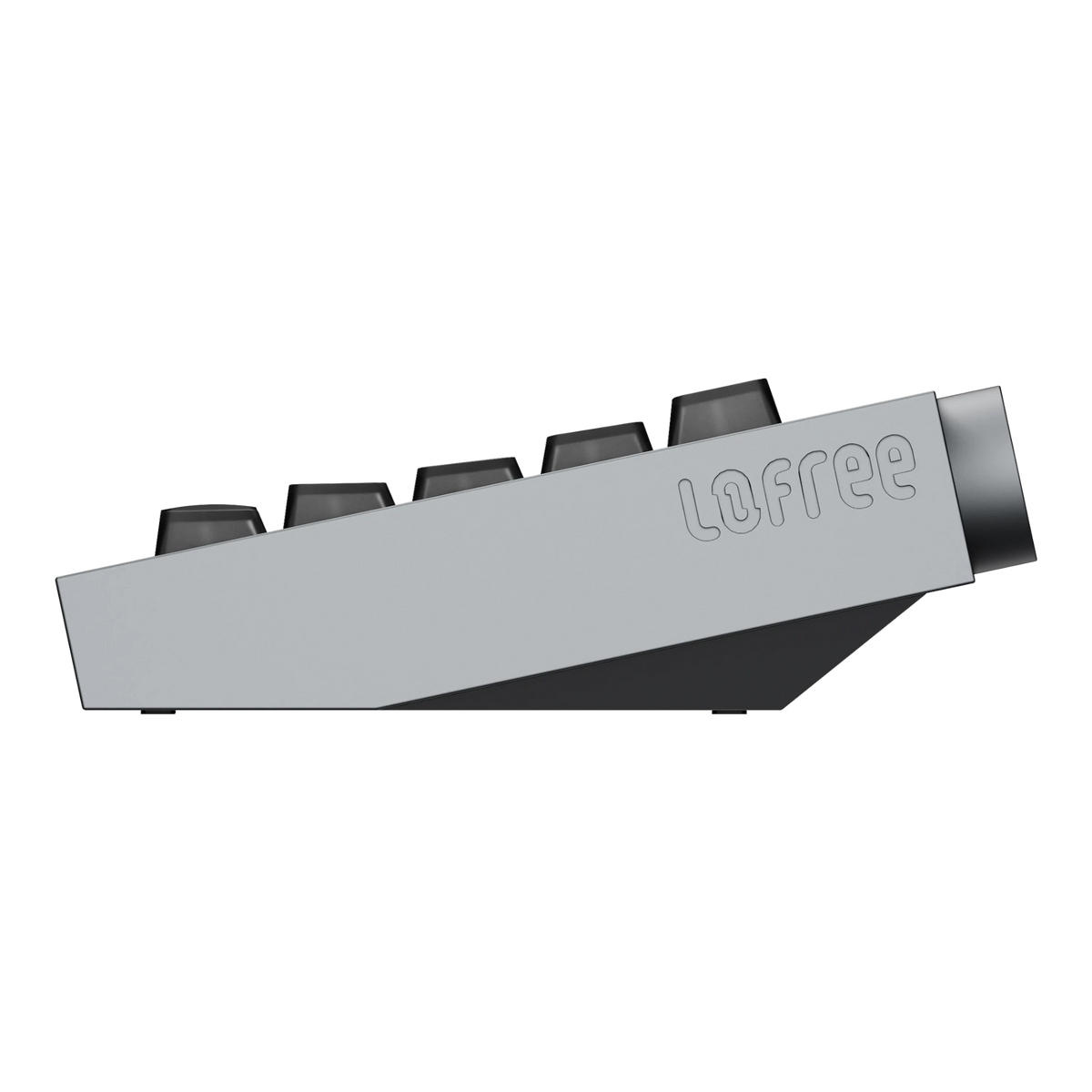
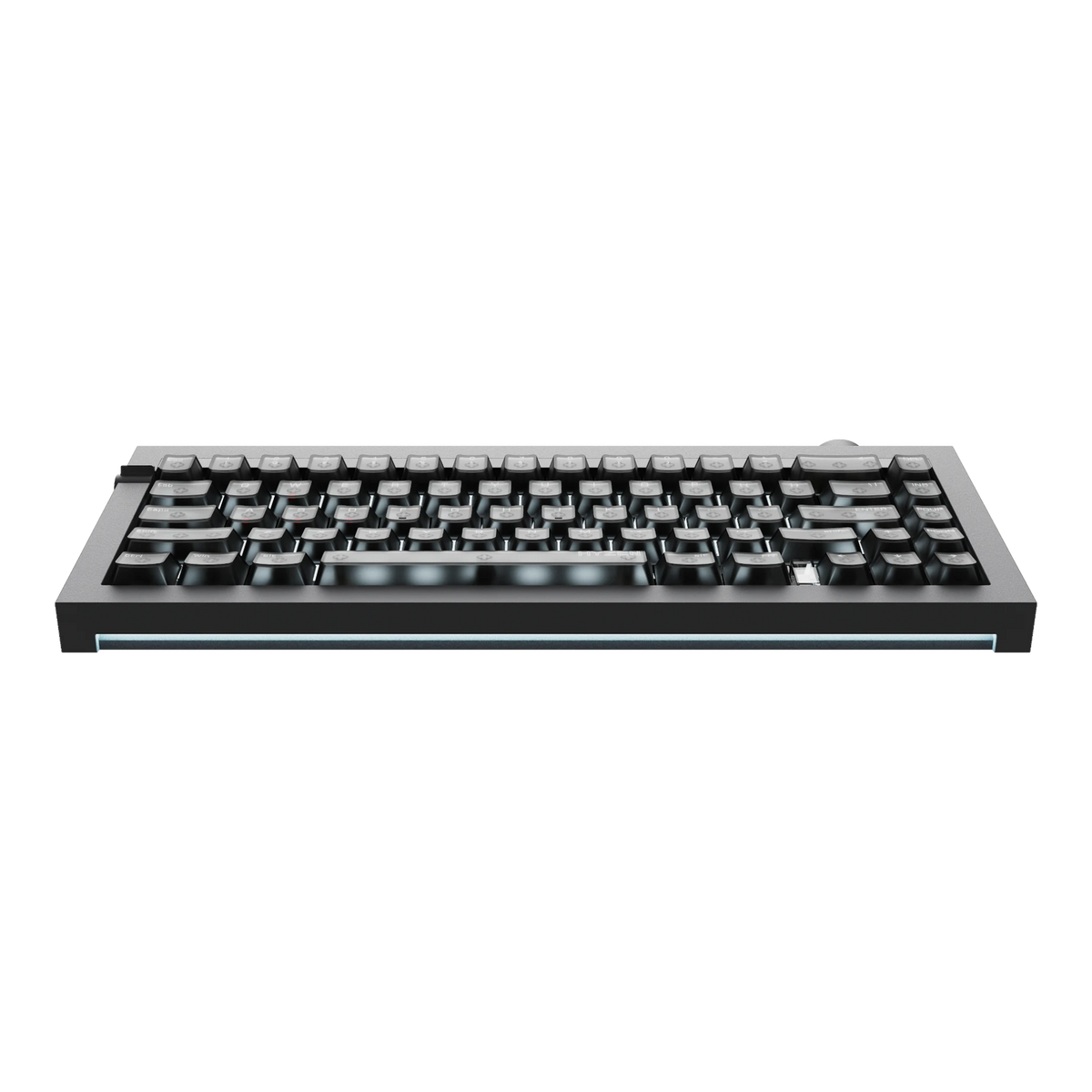
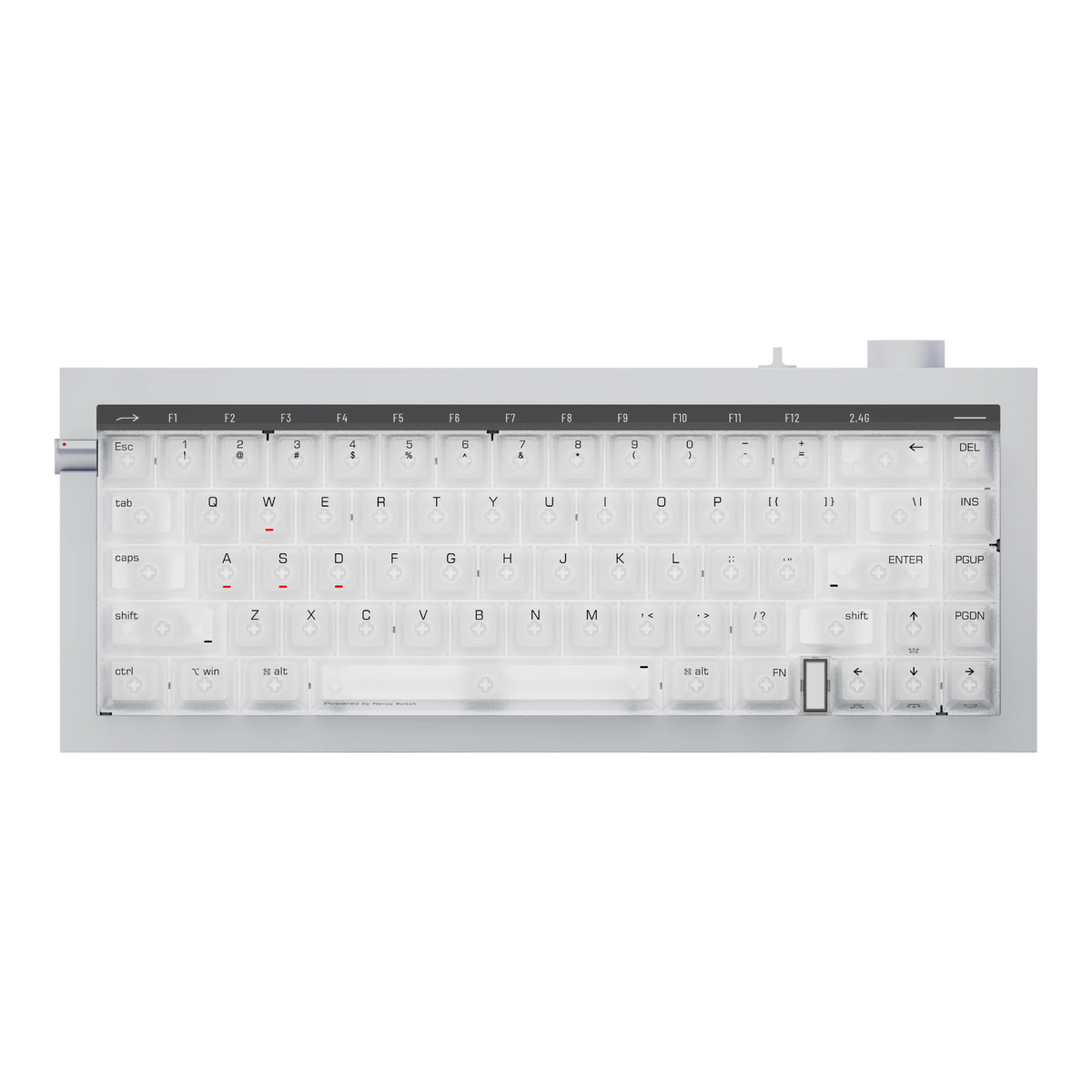
Machined metal knobs and a diffused light bar, with straight architectural lines everywhere else. It looks like it belongs next to an amplifier, not under a poster of energy drink sponsorships. Comes in two beautiful colourways: Silver or Space Gray. Dragon decal count: zero.

The knobs
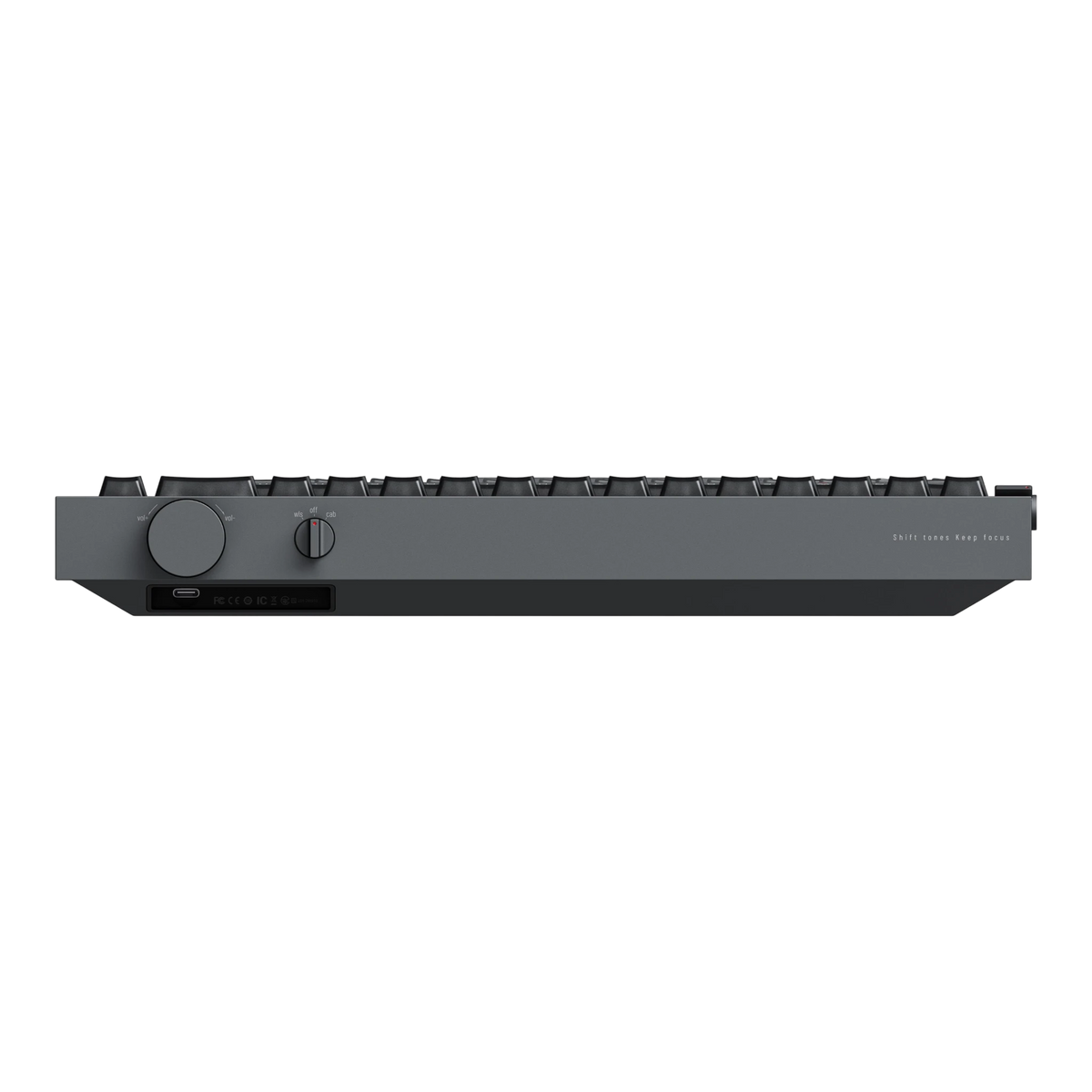
A machined volume knob that turns with a satisfying click, and a smaller one that switches the keyboard between wireless, off and wired. Neither had to be metal but, thankfully, both are.

F-row toggle
A small switch on the side turns the number row into F1 through F12, with lit indicators so you never have to guess which mode you're in. The function row you gave up for desk space is one flick away.

subheading
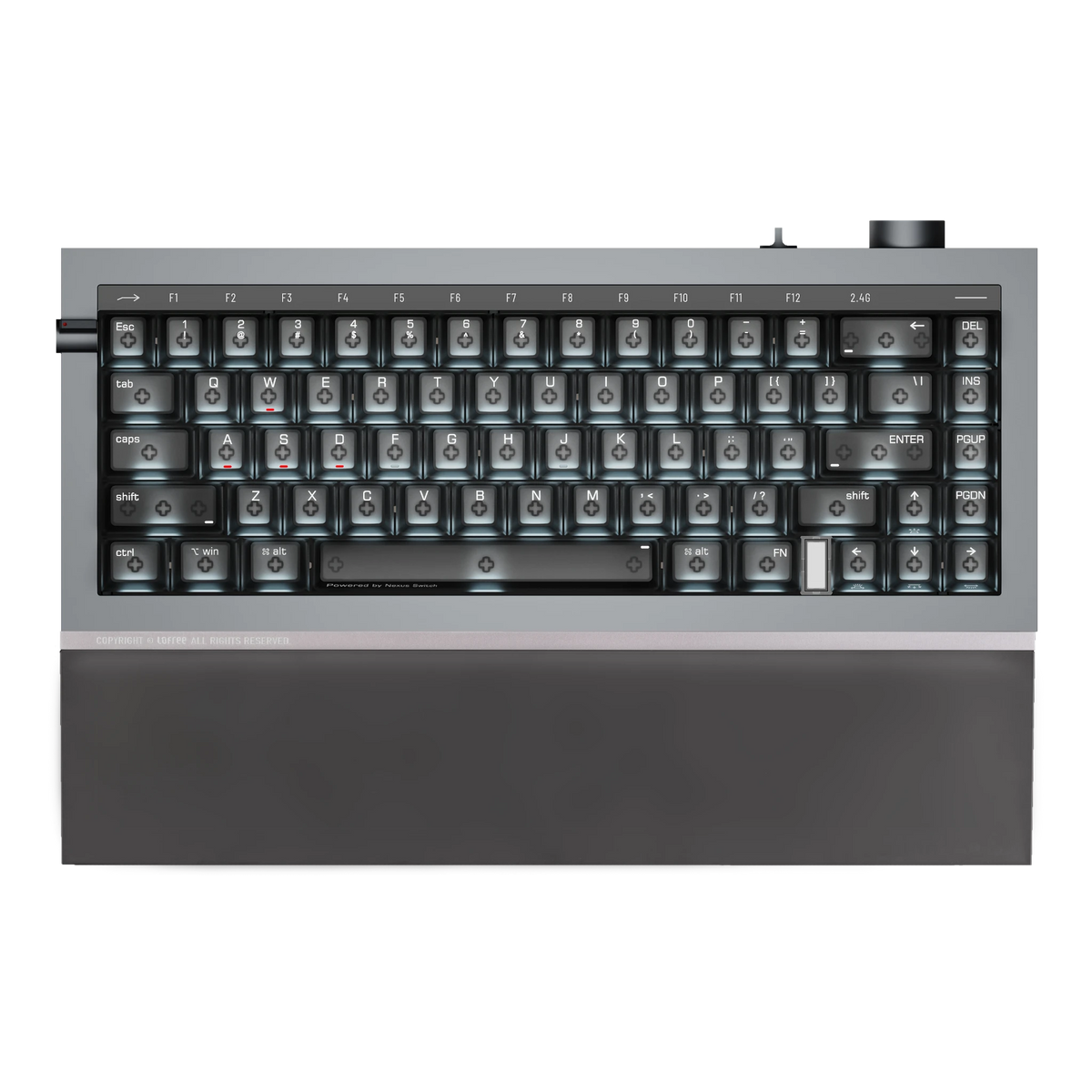
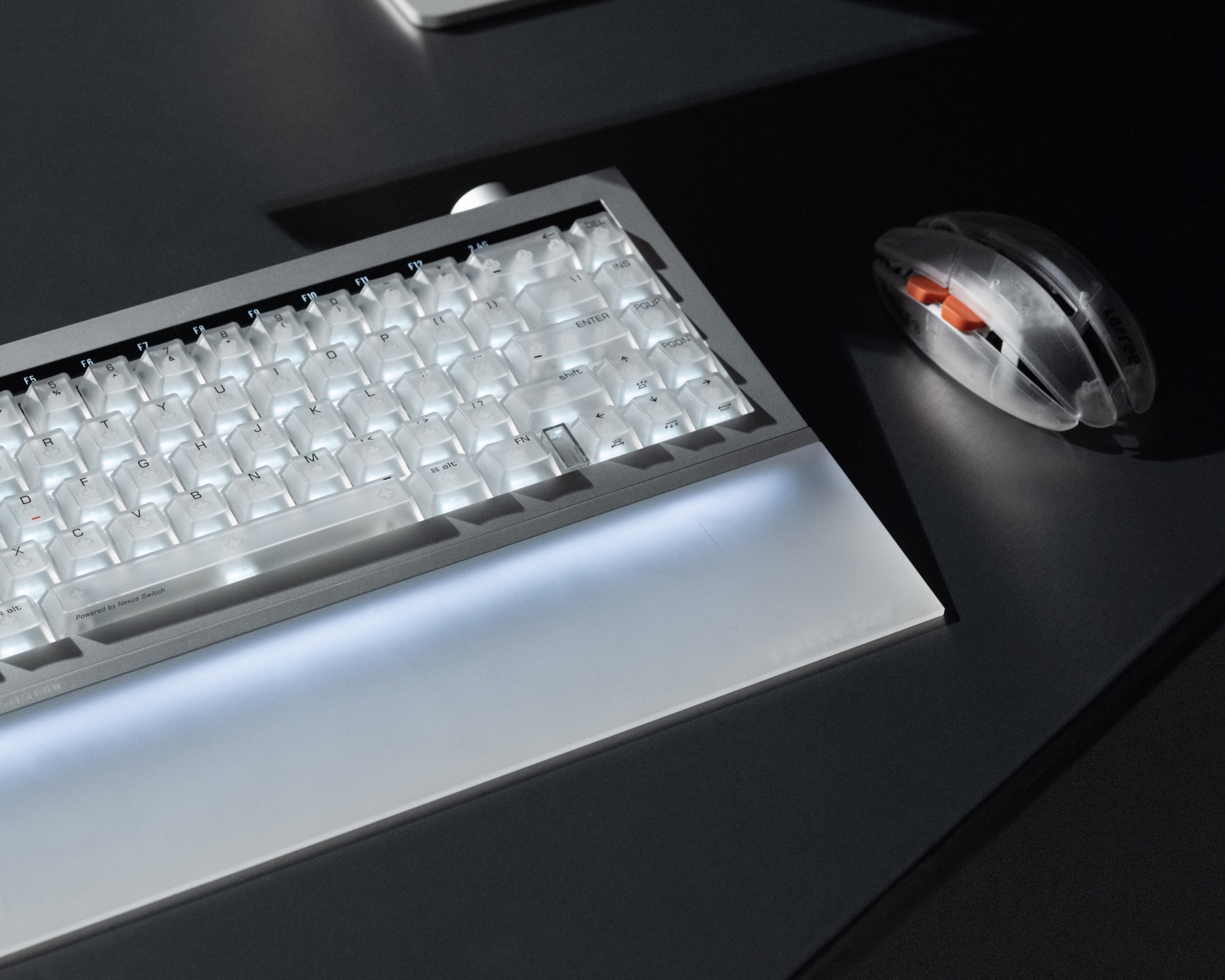
Per-key RGB shines through transparent polycarbonate keycaps, and the front light bar throws a soft glow across your desk after dark. Turn it all the way up for the full show, or all the way down until it's just a very serious slab of aluminium.
The battery
A 10,000mAh battery: up to 80 hours of typing over Bluetooth, closer to 12 if you're running the dongle at full 8K with every light on. For the heavy sessions, plug in. At 3.1kg, it's not like that keyboard was going anywhere.

the palm rest
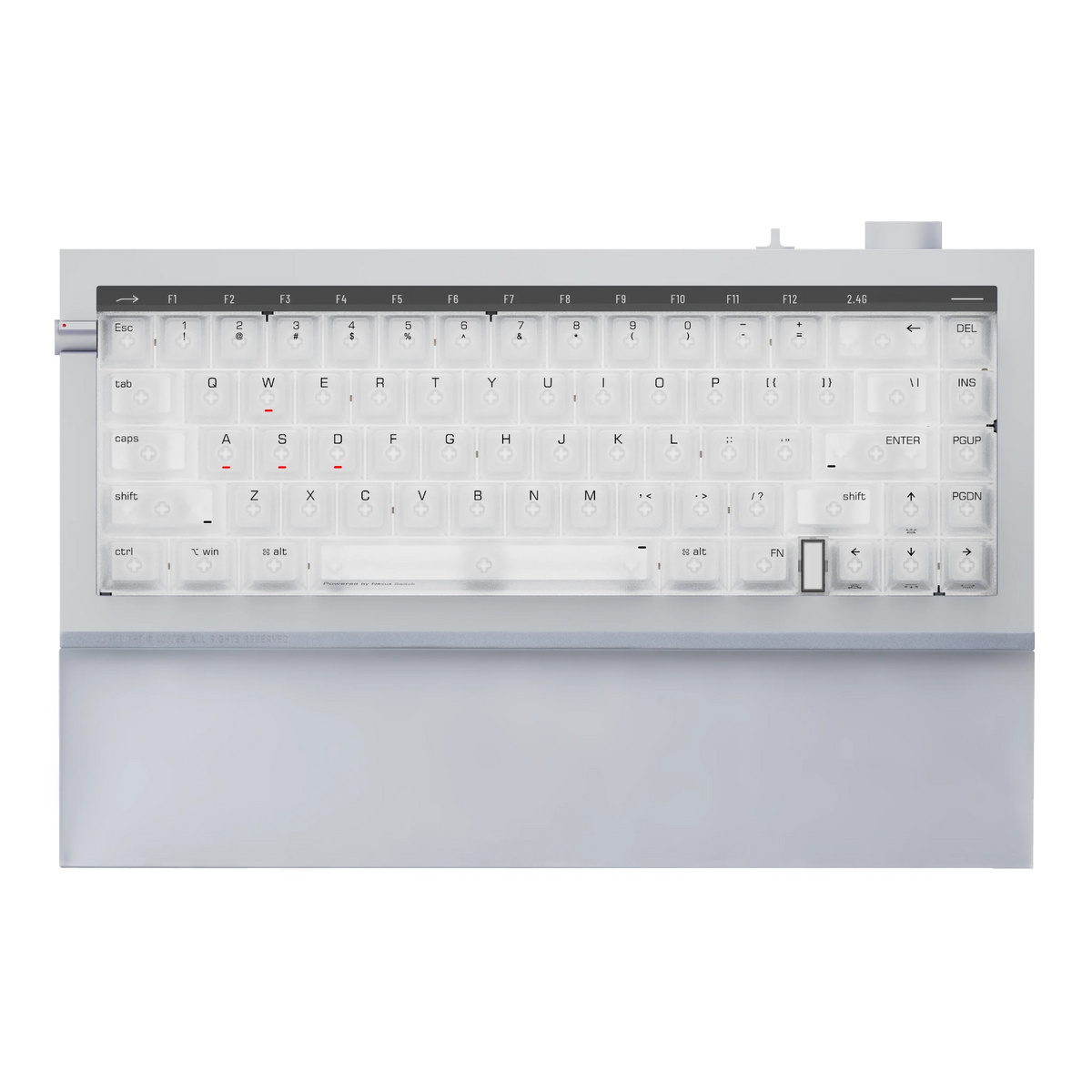
Snap it to the front edge and your keyboard side profile turns into a Cybertruck.
Designed to continue the keyboard's exact angle and finish, so it looks like part of the same object rather than an add-on.

The sound of a magnetic switch comes from the switch. Foam can only do so much about that. And because every Nexus switch keeps a real mechanical contact leaf, Hyzen sounds like a premium mechanical prebuild.
Clicky knobs and toggles and that deep, rounded sound you chase in keyboards. Press play.
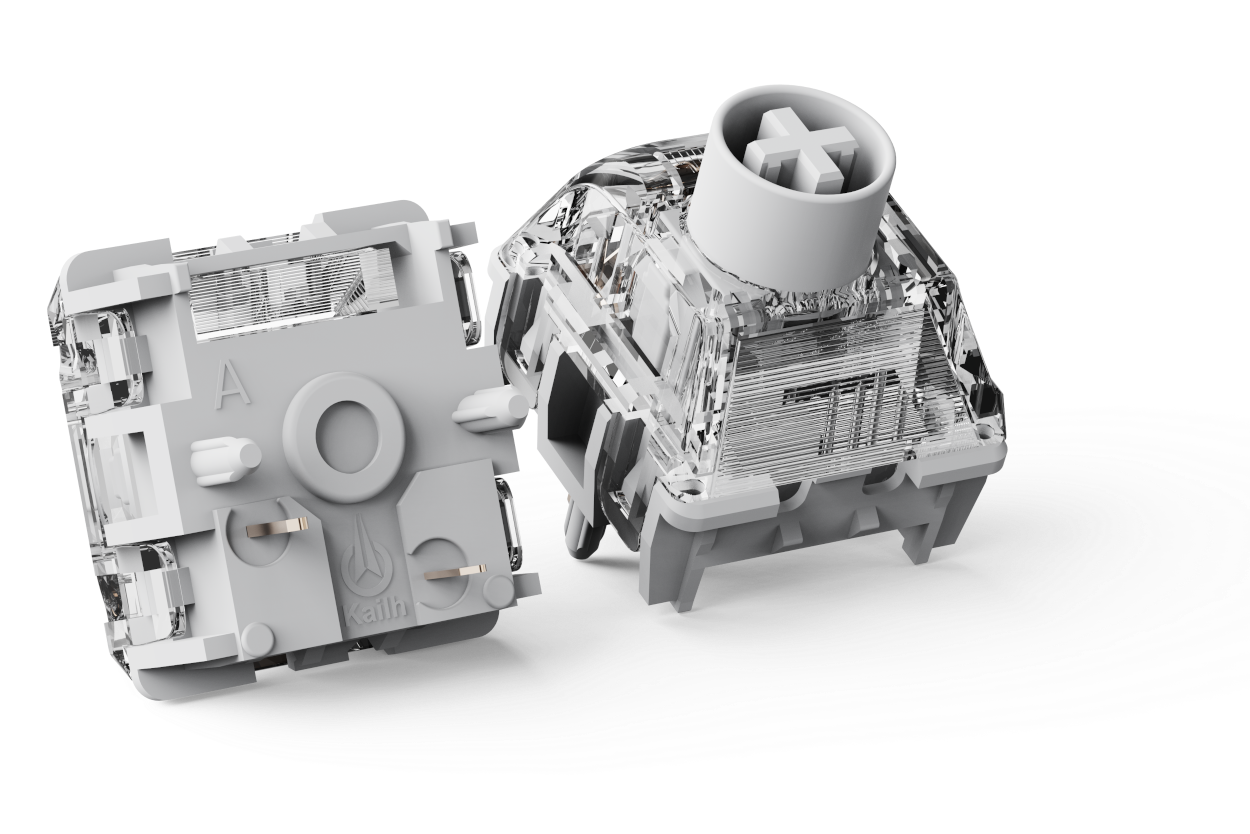
The leaf in mechanical switches gives it the feel and the sound, but the keyboard only ever knows "pressed" or "not pressed." A magnetic switch tracks your finger through the whole keystroke, but the leaf is gone, and with it - the character.
Nexus switch is the first to keep both in the same housing: the leaf gives you the feel while the sensor gives you the speed.

Co-engineered with Kailh
"World's first" usually means "someone's beta test." So Lofree built it with Kailh, one of the most established switch manufacturers in the industry. A first-generation product, resting on decades of switch expertise.

TMR sensing, translated
A normal switch answers one question: pressed or not. TMR sensor in the Nexus switch knows where your finger is through the keystroke and reads it with more precision and stability than the Hall Effect sensors: the calibration won't drift when your room warms up.

Two modes, one combo
Fn+Enter flips Hyzen keyboard between Mechanical Mode, with its classic feel and behaviour, and Magnetic Mode, where the magnetic tech kicks in. Emails at six, ranked queue at eleven, and you never switch keyboards.

Change your mind later
The sockets take both magnetic switches and standard MX mechanicals. Swap in your favourite tactiles for the alphas and keep magnetic WASD, or convert the whole thing in a year. Even the big-name magnetic keyboards can't give you this: their sockets are magnetic only.
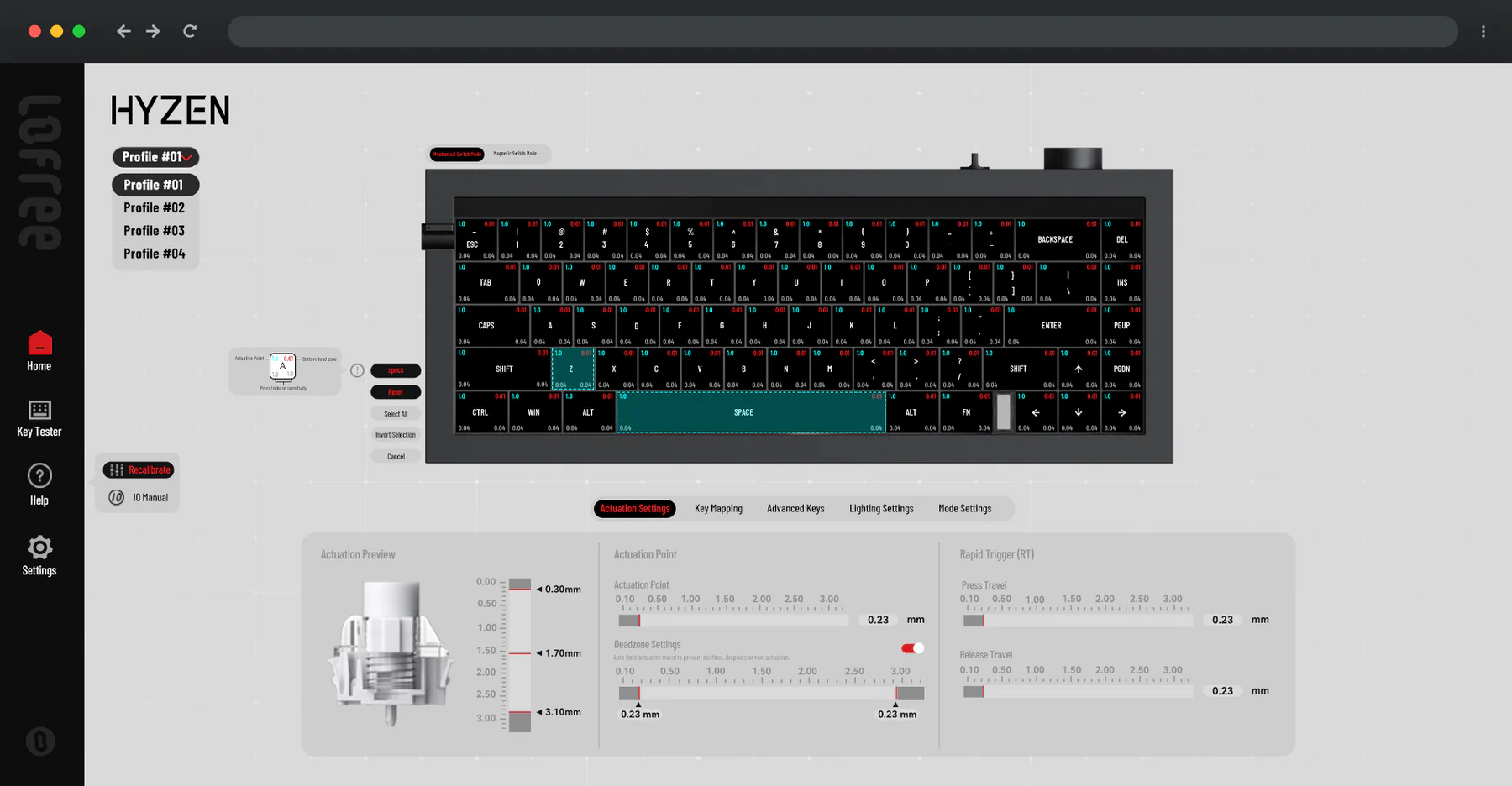
For everyone who has uninstalled Synapse in anger: every setting for your Hyzen keyboard lives in a browser tab. There's nothing to install. Map keys where you want them, set how deep each one fires, and close the tab.
Lofree
Hyzen
Overall rating: 5.0 / 5 from 1 reviews.
Absolutely brilliant. Feels fantastic in the hand, craftsmanship is exceptional and the aluminium alloy has a lovely feel to it. The whole design is topnotch - I absolutely love it!