



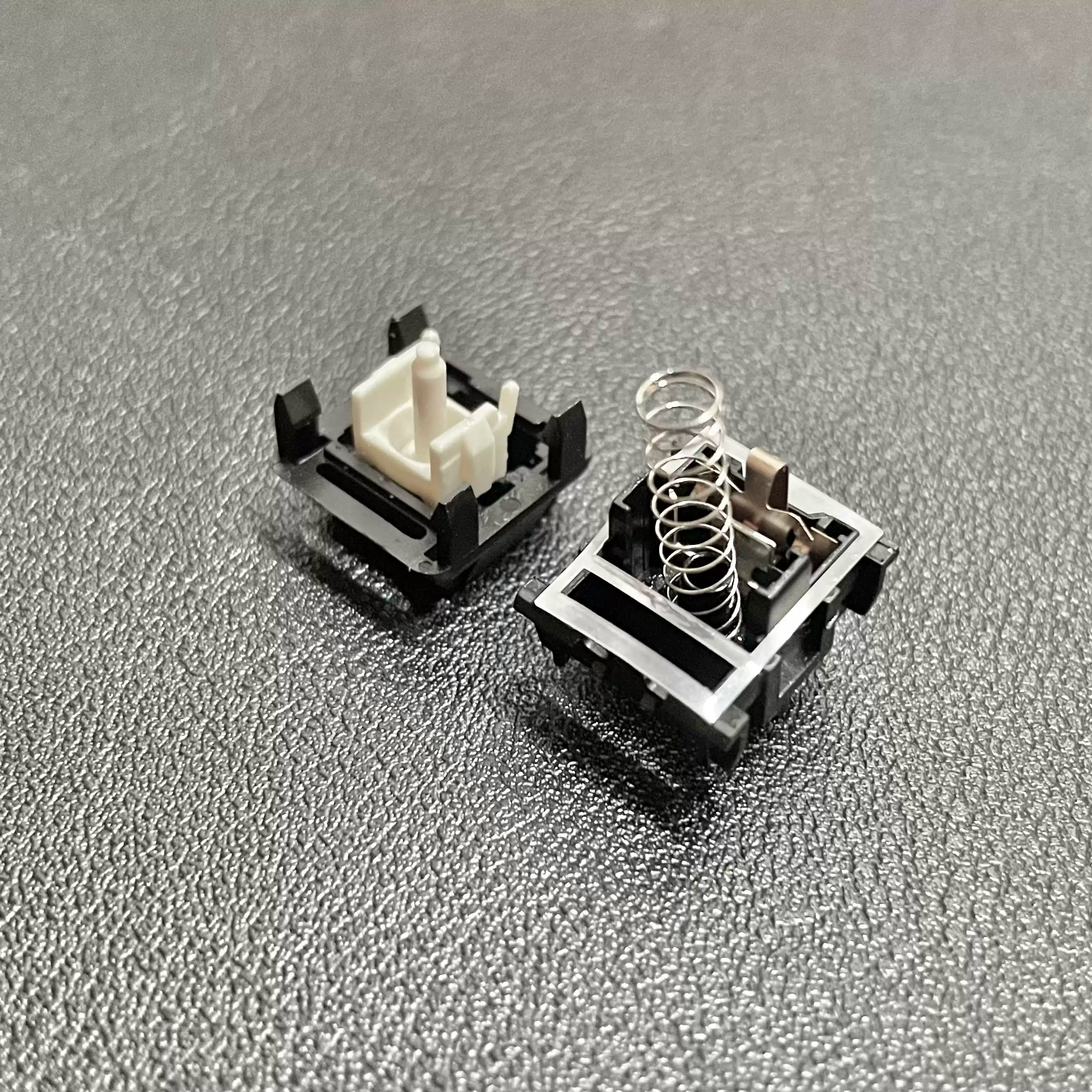
If you’ve started exploring the world of mechanical keyboards, you’ve probably run into a wall of technical terms. Spec sheets for switches are filled with numbers, graphs, and jargon that can feel intimidating. You’ll see figures like “45g,” “60g,” or “80cN,” but what do they actually mean for your typing experience?
While it seems complex, most of the feel comes down to two key numbers: actuation force and bottom-out force.
Under every keycap on your board is a mechanical switch—the physical component responsible for the sound and feel of each press. Understanding these two forces is the single biggest step you can take toward choosing a switch you’ll absolutely love. Let’s break down exactly what they mean, how they differ, and how you can use this knowledge to find your perfect match.
What is Actuation Force? The "Registration" Point
Imagine pressing the shutter button on a camera. You push it halfway down to focus, and you can feel a distinct point where the camera engages. Push it all the way, and it takes the picture. Actuation force is like that first "half-press" point.
Actuation Force is the minimum amount of pressure required for the keyboard to register the keystroke and send a signal to your computer. It’s the literal “go” signal for a letter to appear on your screen.
This force is usually measured in grams (g) or centiNewtons (cN), which are so close in value that you can treat them as a 1:1 measurement for comparison.
When a switch has a low actuation force, it means it requires a very light touch to activate. For example, a popular linear switch like the Gateron G Pro Red has an actuation force of around 45g. This makes it feel fast, responsive, and effortless—a favorite among gamers who need to make rapid, repeated keypresses without getting tired. You don’t need to press the key all the way down to make it work; you just have to pass that light actuation point.
What is Bottom-Out Force? The "Full Press" Point
Now, let's go back to that camera button. After you pass the halfway focus point, you continue pressing until the button can’t go any further. That final point is the bottom-out.
Bottom-Out Force is the amount of pressure required to press a switch all the way down until its stem hits the bottom of the switch housing. It’s the force needed to complete a full keypress.
This number will always be higher than the actuation force because it accounts for the spring’s increasing resistance as you compress it further. The difference between the actuation and bottom-out force is what creates the "cushion" you feel at the end of a press.
Why does this matter? If you’re a "heavy-handed" typist who naturally pushes keys all the way down, the bottom-out force is what you’ll feel most distinctly. It determines how harsh or soft the landing is. A switch like the Gateron G Pro Brown has an actuation force of ~55g but a bottom-out force of ~63g. That 8g gap provides a bit of a cushion, preventing you from harshly slamming the keys down with every stroke.
Actuation Force vs. Bottom-Out Force: A Side-by-Side Comparison
The simplest way to think about it is this: actuation is when the key works, and bottom-out is when the key stops.
One happens partway through the press, while the other happens at the very end.
[Image: A simple animated diagram showing a keycap and switch stem moving down. A line marks the "Actuation Point" about halfway down, and another line marks the "Bottom-Out Point" at the very end of the travel distance.]
Here’s a quick breakdown of the key differences:
| Feature | Actuation Force | Bottom-Out Force |
|---|---|---|
| What it is | The force needed to register a keystroke. | The force needed to press the key fully. |
| Felt When? | Partway through the keypress. | At the very end of the keypress. |
| Impacts... | Typing speed and sensitivity. | The "cushion" and potential for fatigue. |
A large gap between actuation and bottom-out force can make a switch feel "bouncy" or cushioned, while a small gap can make it feel more abrupt and uniform.
How Force Ratings Translate to Real-World Feel
Now that you know the theory, let's connect it to the real world. Based on their actuation force, switches are generally grouped into three categories: Light, Medium, and Heavy.
-
Light Switches (< 50g Actuation) These switches feel fast, feathery, and require minimal effort. They are fantastic for gamers who need quick reactions or people who type with a very light touch. However, they can sometimes lead to accidental keypresses if you tend to rest your fingers heavily on the keys.
- Great For: Fast-paced gaming, light-fingered typists.
- Example: Gateron G Pro Red (~45g)
-
Medium Switches (50g - 65g Actuation) This is the balanced middle ground and the most common starting point for new enthusiasts. They offer enough resistance to prevent most accidental presses while still feeling comfortable for long typing sessions and responsive enough for general gaming.
- Great For: Mixed-use (typing and gaming), general office work.
- Example: Gateron G Pro Brown (~55g)
-
Heavy Switches (> 65g Actuation) These switches demand a deliberate and forceful keypress. The high resistance provides significant tactile feedback and can help reduce typos for heavy-handed typists who tend to hit multiple keys at once. They feel substantial and purposeful with every stroke.
- Great For: Heavy-handed typists, users who prefer a more deliberate feel.
- Example: Gateron G Pro Black (~60g actuation, but with a heavier spring curve and ~70g bottom-out)
You Now Know What Matters
And that’s it. You’ve just decoded one of the most confusing parts of the mechanical keyboard hobby.
By understanding the difference between the actuation point (the input) and the bottom-out point (the endpoint), you’re no longer guessing. You can now look at a switch’s spec sheet and have a real sense of how it will feel under your fingers. This knowledge is the key to moving from a keyboard you simply use to one you truly love.
Share:
80Retros GB40 Review: A Heavyweight Contender in the 40% Keyboard World